
Hero background pixel art canvas

Pixforge - Free Online Pixel Art Editor Logo Pixforge

Free Online Pixel Art Editor & Image to Pixel Art Converter

Convert any image into stunning pixel art in seconds. The ultimate free tool for game developers, digital artists, and retro enthusiasts. No download or signup required.

or drop file here

JPG PNG WEBP

Or start from scratch

Forge Your Pixels

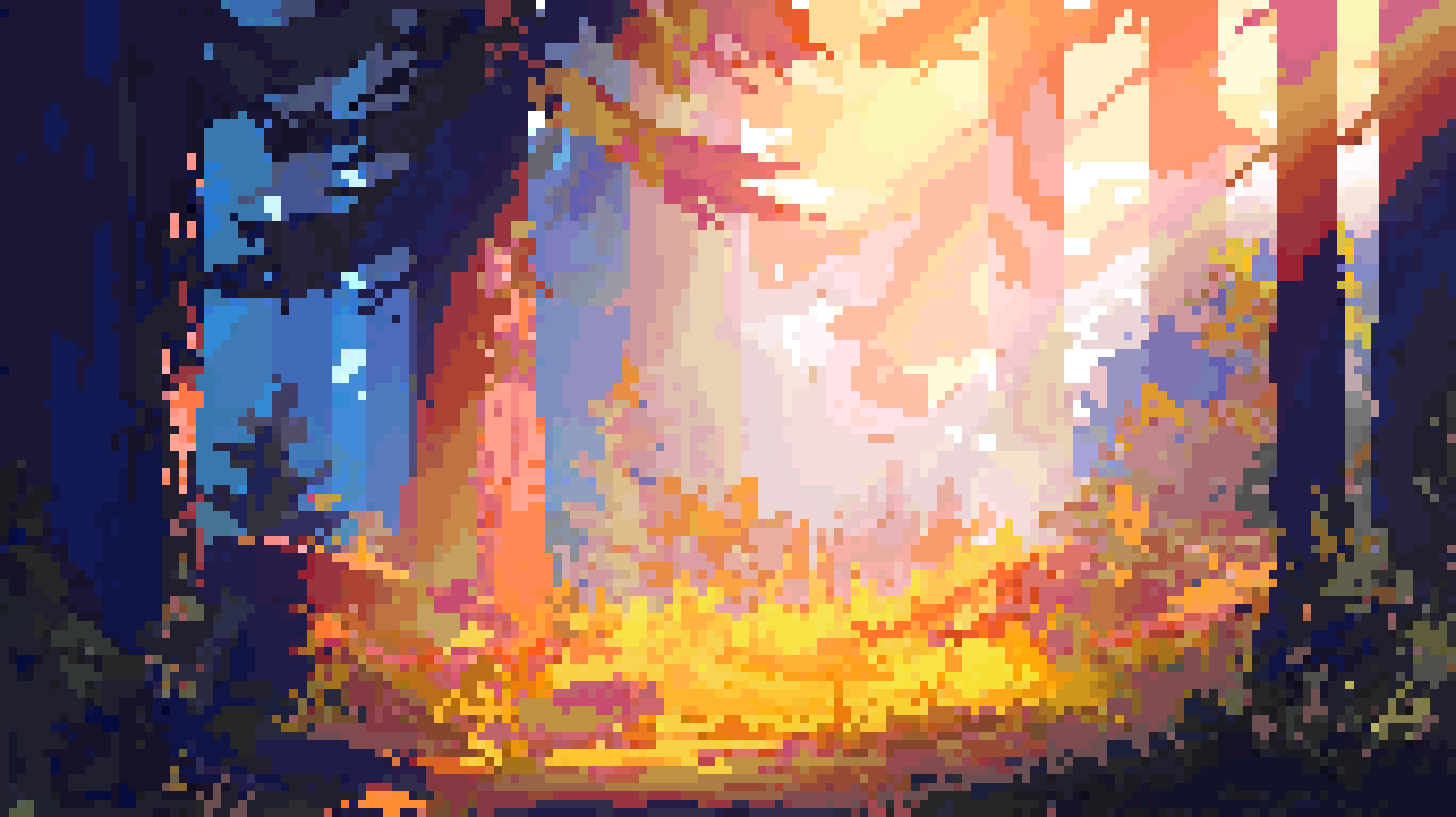
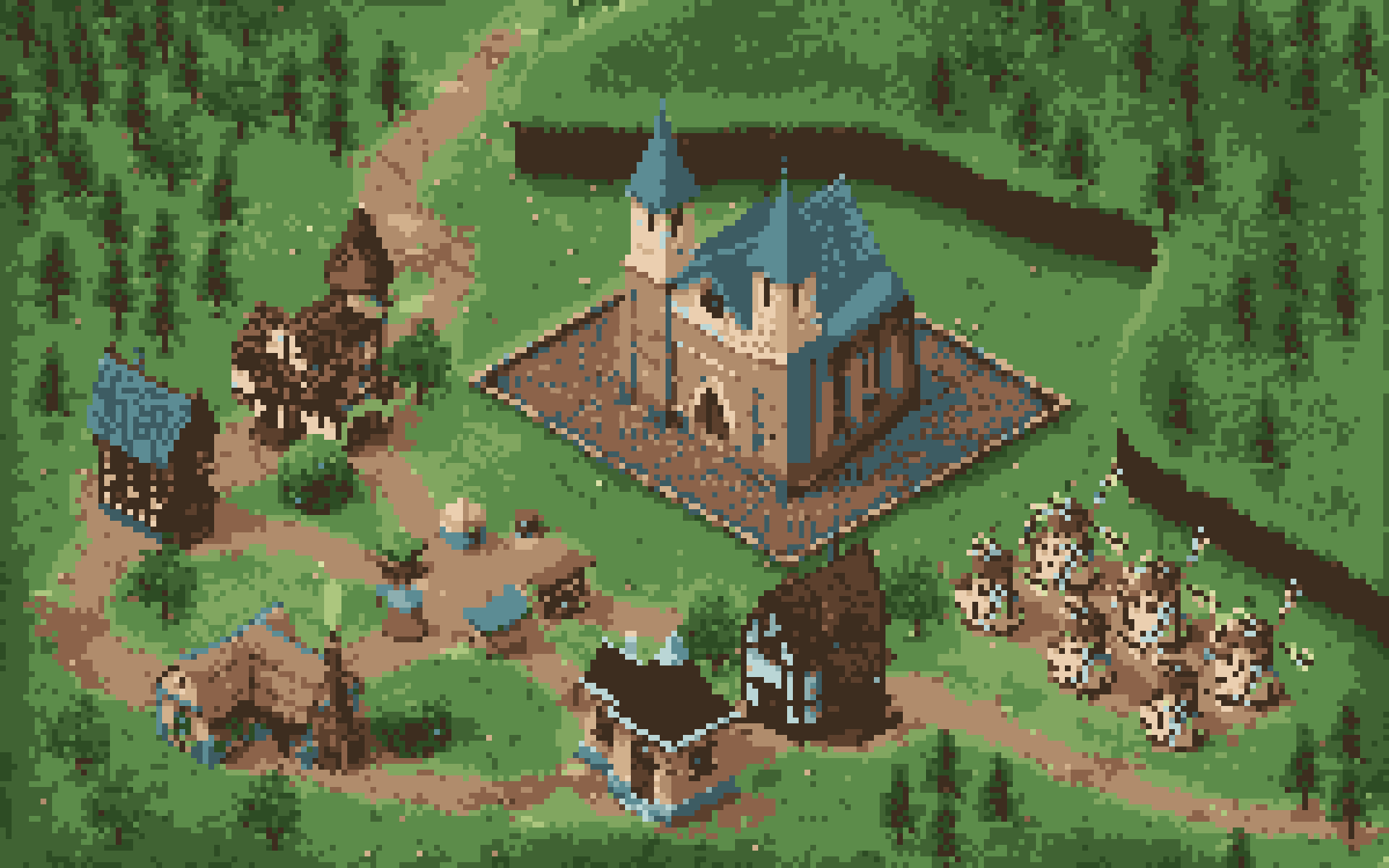
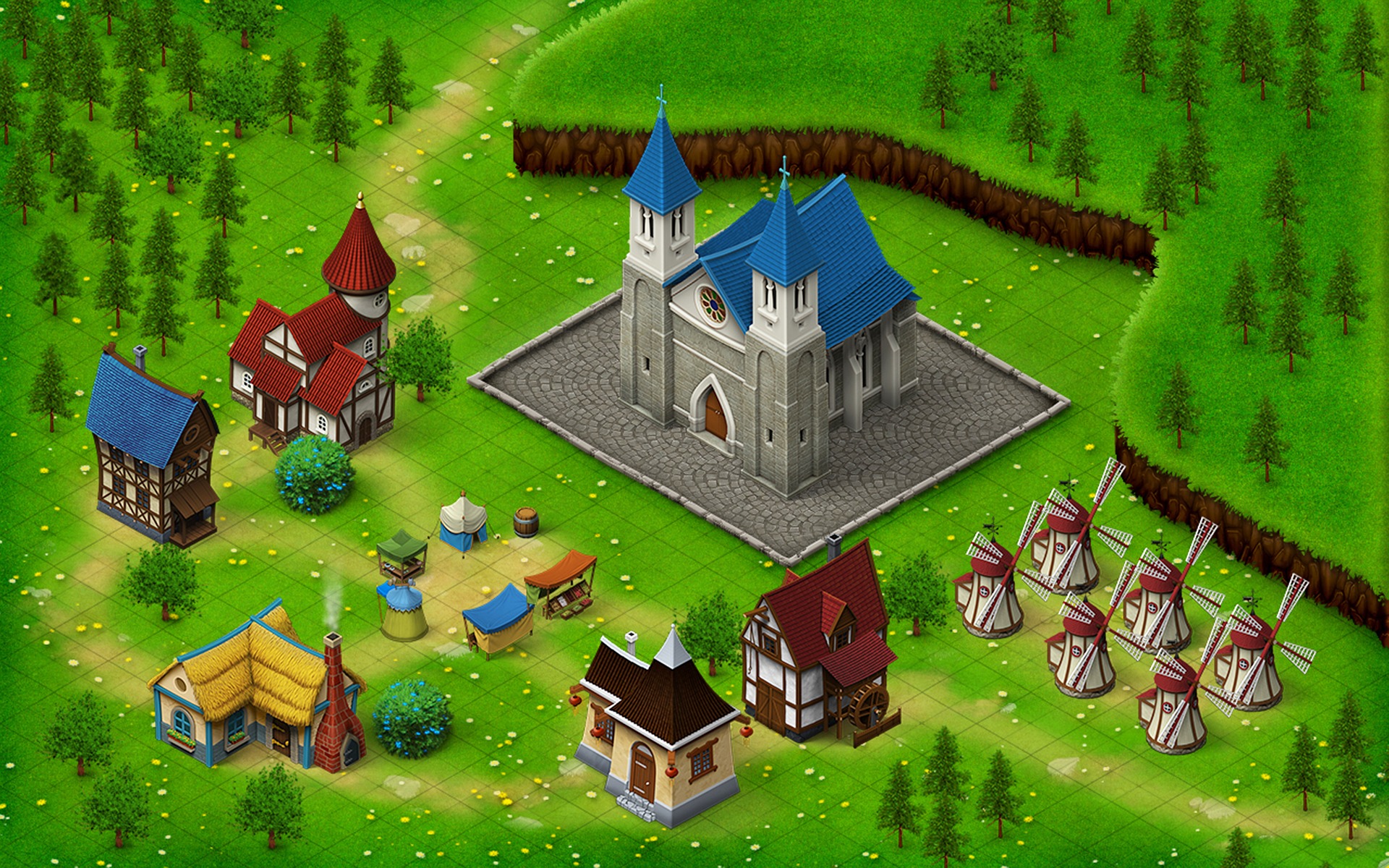
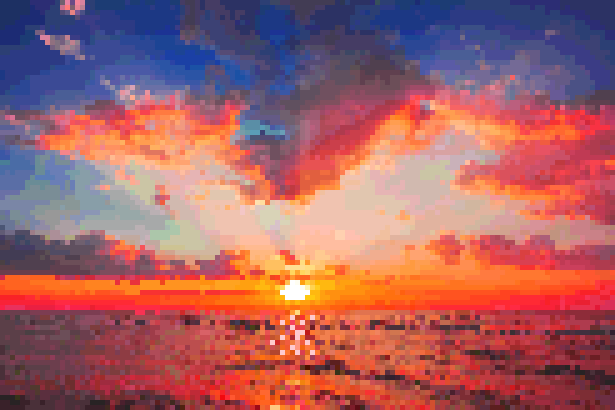
Our advanced algorithm doesn't just downscale; it intelligently maps colors and shapes to create authentic-looking pixel art ready for your next project.

palette

Smart Palette

Automatically extract and limit color palettes to popular retro consoles like NES, Gameboy, or create your own custom limitation.

tune

Detailed Control

Adjust pixel size, contrast, dither amount, and outline thickness in real-time. What you see is exactly what you get.

download

Export Ready

Download as high-res PNG for marketing or raw pixel-perfect assets for game engines like Unity, Godot, or Unreal.

palette

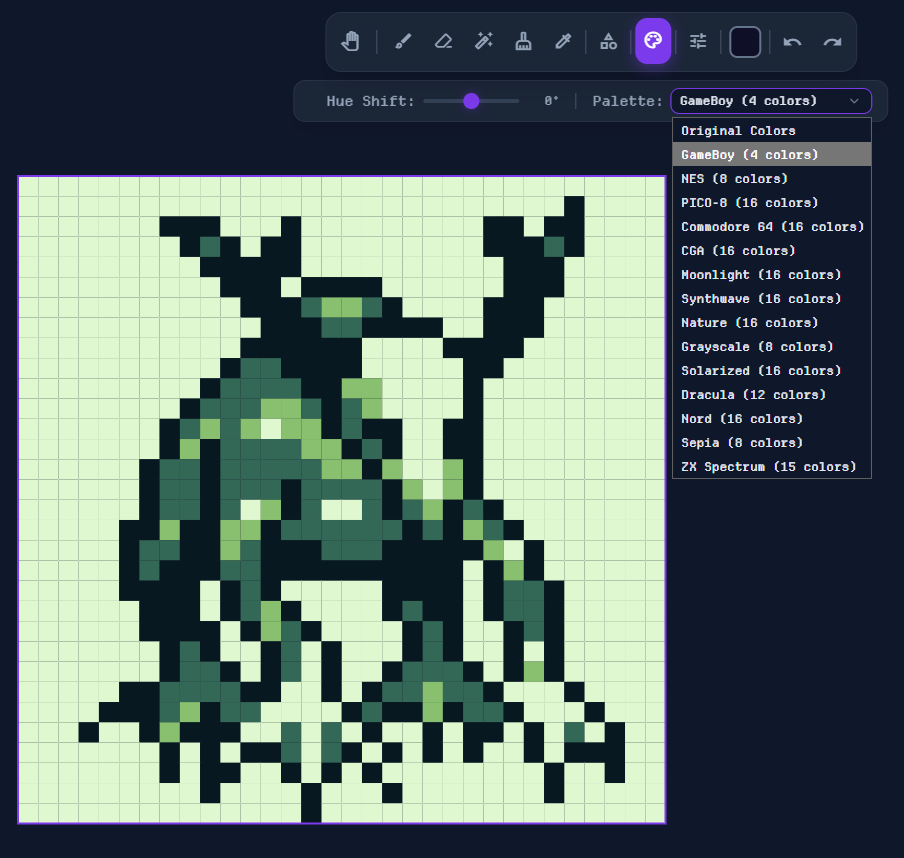
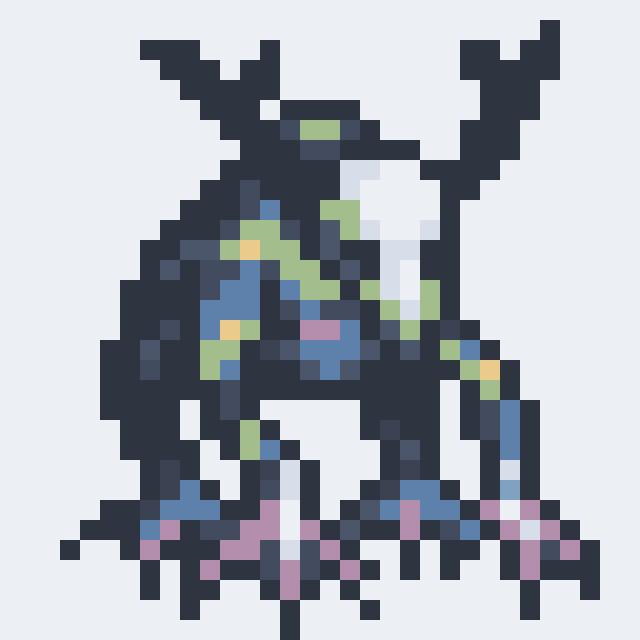
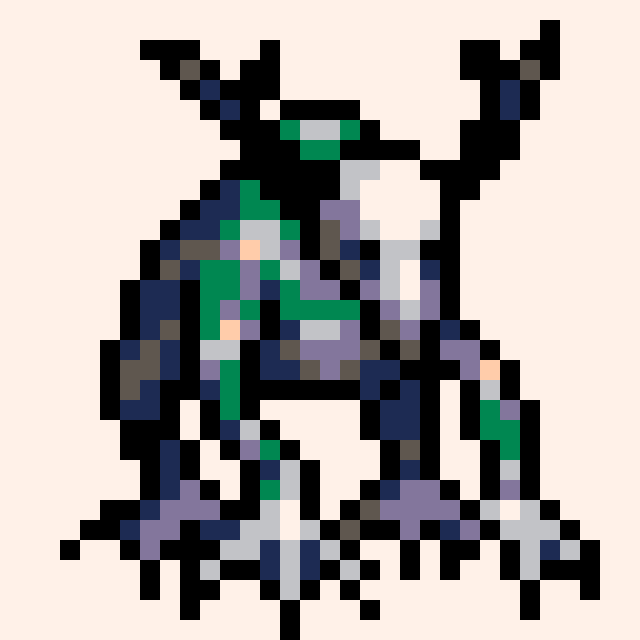
Instant Palette Remapping

Transform your pixel art with one click using classic console palettes. Perfect for achieving authentic retro aesthetics.

Palette Changer UI
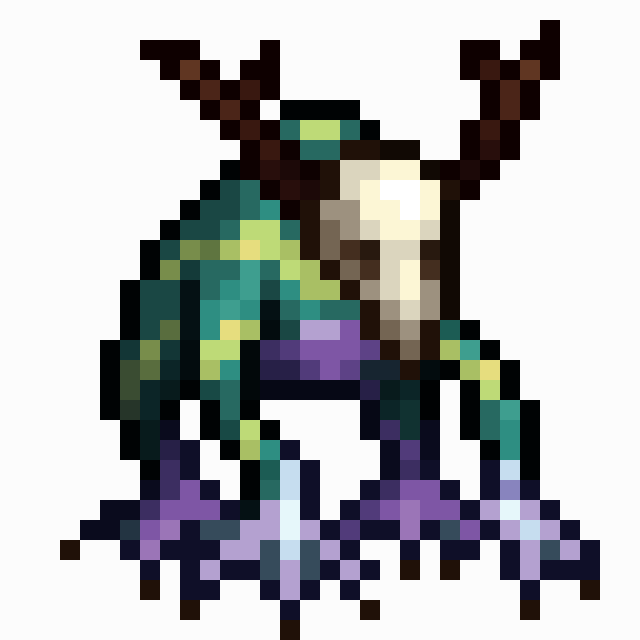
Original
Original
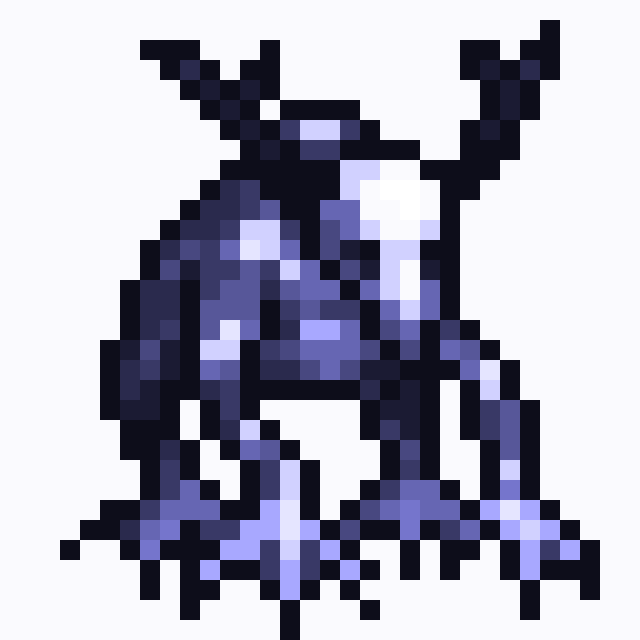
Moonlight Palette
dark_mode Moonlight
Nord Palette
ac_unit Nord
PICO-8 Palette
videogame_asset PICO-8

14 Built-in Palettes

Gameboy

4 colors

NES

8 colors

PICO-8

16 colors

C64

16 colors

CGA

16 colors

Moonlight

16 colors

Synthwave

16 colors

Nature

16 colors

Grayscale

8 colors

Solarized

16 colors

Dracula

12 colors

Nord

16 colors

Sepia

8 colors

ZX Spectrum

15 colors

tune

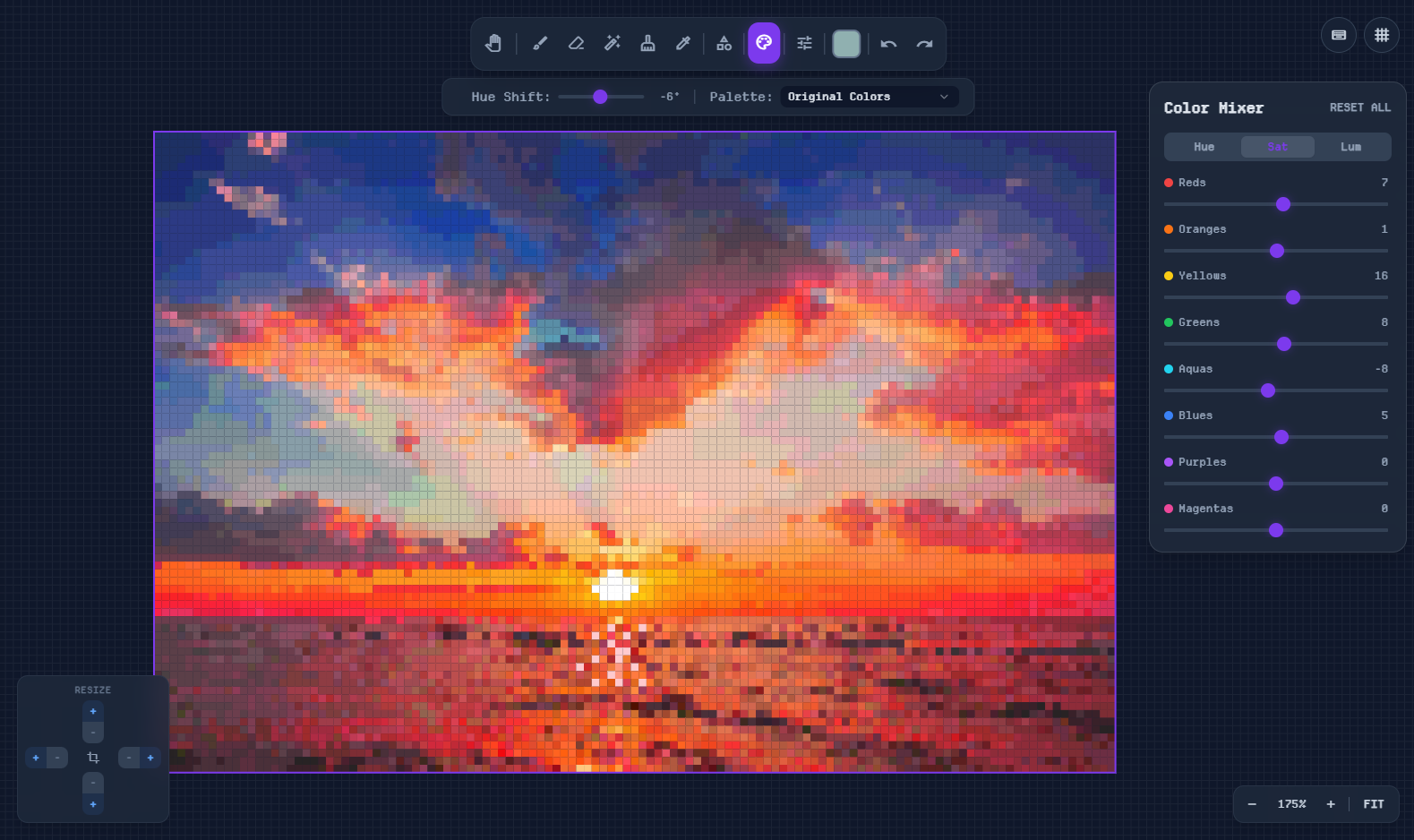
Advanced Color Mixer

Fine-tune individual color channels with precision. Adjust Hue, Saturation, and Luminance for each color range independently.

Color Mixer UI

palette 8 Color Channels

Reds
Oranges
Yellows
Greens
Aquas
Blues
Purples
Magentas

sliders 3 Adjustment Modes

H

Hue

Shift color tones

S

Saturation

Control color intensity

L

Luminance

Adjust brightness levels

auto_fix_high

Smart Conversion Algorithms

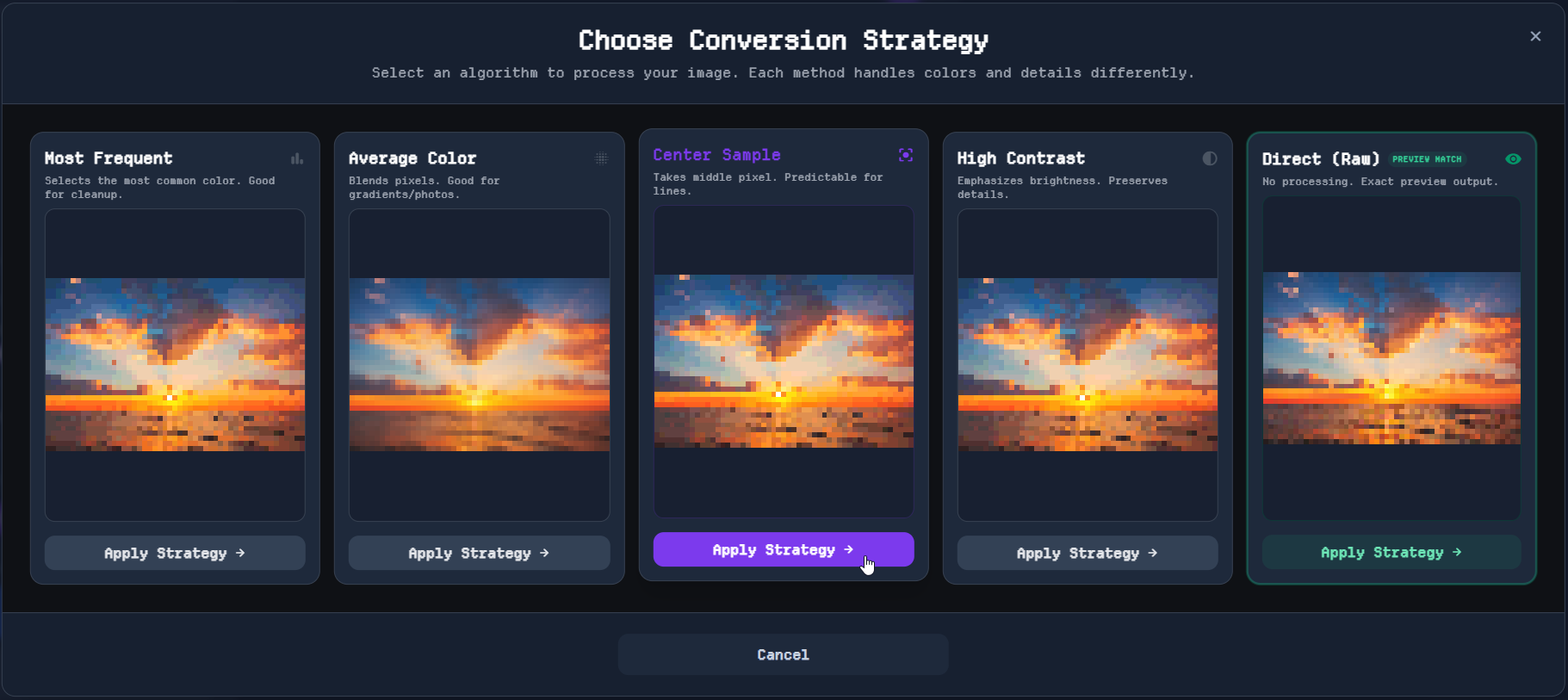
Choose from 5 intelligent algorithms to convert your images. Each method handles colors and details differently for unique results.

Conversion Strategy Popup
bar_chart

Most Frequent

Selects the most common color in each cell. Best for images with clear, distinct areas and solid colors.

blur_on

Average Color

Blends all pixels in each cell together. Perfect for smooth gradients and photographic images.

center_focus_strong

Center Sample

Takes the middle pixel from each cell. Predictable results that preserve fine lines and edges.

contrast

High Contrast

Emphasizes brightness differences to preserve details. Great for adding definition and clarity.

raw_on

Direct (Raw)

No processing - exact 1:1 pixel output. Ideal for already-pixelated images or precise control.

play_circle

See It In Action

Watch pixel art come to life from a blank canvas. Use intuitive tools to create retro masterpieces in minutes.

Live Preview
speed

Real-time Preview

brush

Precision Tools

palette

Color Control

download

Easy Export

How It Works

A complete workflow from raw image to pixel-perfect asset.

auto_fix_high
Step 01

Smart Conversion

Select from 4 powerful algorithms (Dominant, Center, Average, Contrast) to find the perfect starting point.

  • check_circle 4 Unique Strategies
  • check_circle Interactive Preview Modal
  • check_circle Instant Processing
  • check_circle Browser-based Privacy
brush
Step 02

Refining Suite

Fine-tune every pixel with a robust set of professional drawing tools.

brush Brush
cleaning_services Eraser
auto_fix_normal Magic Wand
colorize Eyedropper
tune Adjust
aspect_ratio Resize
grid_4x4
Step 03

Advanced Viewport

Navigate your artwork with precision using our high-performance canvas engine.

Real-time Canvas Infinite Zoom Customizable Grid High-Performance Grid Preview Modes
save_alt
Step 04

Export & Scale

Export your creations as high-quality PNGs with complete control over dimensions and scaling.

Upscaling Up to 20x
PNG Format Custom Resolution
security

Private & Secure

Pixforge is strictly browser-based. Your images are processed locally on your device and are never uploaded to any server.

wifi_off

Offline Capable

Once loaded, the tool works completely without an internet connection.

cloud_off

No Cloud Storage

We don't store, save, or view your files. Your data stays yours.

memory

Local Processing

Utilitzes your device's GPU for instant, lag-free image manipulation.

Completely Free

Pixforge is an open tool for the community. No subscriptions, no hidden fees.

OPEN ACCESS

Community Edition

$0
  • check_circle Full Access to All Tools
  • check_circle Unlimited Exports
  • check_circle No Watermarks
help_outline

Frequently Asked Questions

Everything you need to know about Pixforge

How do I convert an image to pixel art?

expand_more
Simply upload your image to Pixforge, choose your desired cell size and conversion algorithm, then click 'Pixelate It!'. The tool will automatically convert your photo into pixel art that you can edit and export.

Is Pixforge free to use?

expand_more
Yes, Pixforge is completely free with no hidden fees, subscriptions, or watermarks. All features including conversion, editing, and exports are available at no cost.

What palettes are available for pixel art?

expand_more
Pixforge offers 14 retro gaming palettes including Gameboy, NES, PICO-8, C64, CGA, Solarized, Dracula, Nord, and more. You can also use the color mixer to create custom palettes.

Do I need to download any software?

expand_more
No, Pixforge is entirely browser-based. It works instantly in Chrome, Firefox, Safari, and Edge without any downloads or installations required.

Are my images uploaded to a server?

expand_more
No, Pixforge processes all images locally in your browser. Your files never leave your device, ensuring complete privacy and security.

What image formats can I upload?

expand_more
Pixforge supports all common image formats including JPG, PNG, WEBP, GIF, and BMP. Simply drag and drop or click to upload your image.

Can I create pixel art from scratch?

expand_more
Yes! Pixforge includes a full pixel art editor with brush, eraser, color picker, shape tools, and more. You can start with a blank canvas in any size from 8x8 to custom dimensions.
desktop_windows

Desktop Recommended

Pixforge is a professional editing tool designed for mouse and keyboard interaction.

Please open this application on a desktop or laptop computer for the best experience.

screen_search_desktop Optimized for 1024px+